TECH
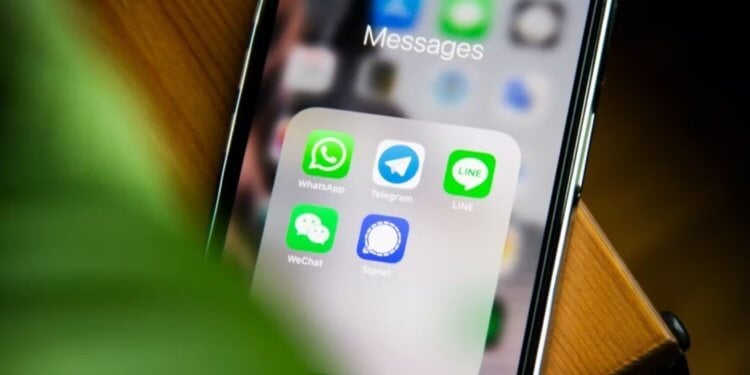
If you've used smartphones on Android then you know that they support app cloning. This is done so that a user who has multiple SIM cards can easily activate instant messengers for each of them. For example, this way is very convenient to clone whatsapp. When you create a copy of the application, it creates the exact same shortcut as a normal program, but with a small icon by which you can determine that you are using the application for the second number. But on iOS, this possibility does not exist, although support for two SIM cards has been around for a long time, since 2018.
Therefore, many iPhone users who use two numbers on their smartphone are forced to settle for just one WhatsApp or other necessary apps linked to one phone number. But we found a way out of the situation. We tell you how to install second whatsapp on iphone.
How to make two whatsapps on iphone...Actually, this problem wouldn't exist if developers allowed using one app for multiple accounts. This has been implemented in Telegram for a long time and allows you to combine personal and professional numbers with great convenience, without the need to create app clones and look for other crutches to activate messenger on both SIM cards.
But even if WhatsApp developers don't want to do that, it's not clear why Apple hasn't done app cloning until now. There is nothing fundamentally complicated about this approach, but it will definitely add convenience to users. Apparently in Cupertino they believe that some basic things must necessarily cause iPhone users suffering.
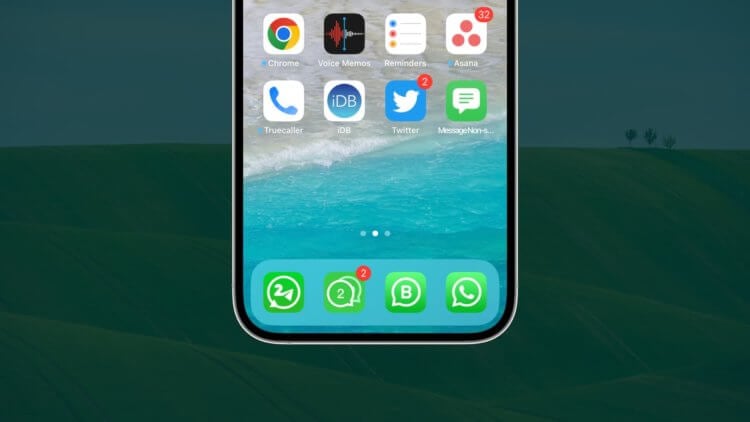
Let’s rephrase the classics: “We don’t need this software.” To do so, we will use an application from the developers of WhatsApp itself called Whatsapp Business. Yes, you didn't think so. We will use WhatsApp for businesses. I have tested this method on myself and they can say with certainty that an ordinary individual can easily register with it and use it for their own purposes. And it turns out that for one number you will use normal WhatsApp, and for the other – WhatsApp Business. This is done as follows:
Now both apps work and you can start chatting with two numbers. You can even chat between your two numbers. When I tested the performance of this method, this is exactly what I did. For those who care that WhatsApp is linked to each of their iPhone numbers, there is now a way out. And you no longer need to carry another phone with you.
WhatsApp Web for Phones...But what if there is a need for three accounts? In this case, there is also a way out. True, it is not very convenient and is associated with crutches, but it can still be used. For that, you need any smartphone with WhatsApp already installed and authorized:
-Download for iPhone Google Chrome browser and go through it for Whatsapp web version.
-Click on the three dots in the lower right corner and select “PC version”.
-On the second smartphone, open WhatsApp and through the connected devices scan the QR code on the iPhone screen.
After that, WhatsApp will open in the browser. It is true that the interface will not be very convenient due to the fact that the computer version is reduced to the iphone screen. But if you really need to have three accounts on your smartphone at the same time, then this will be a totally viable solution. Notifications, of course, do not arrive in this case, but you can periodically refresh the page to see new messages. Unfortunately, this method doesn't work in Safari. My browser refused to open full version of the site and I had to use Google Chrome.
mundophone



No comments:
Post a Comment