TECH
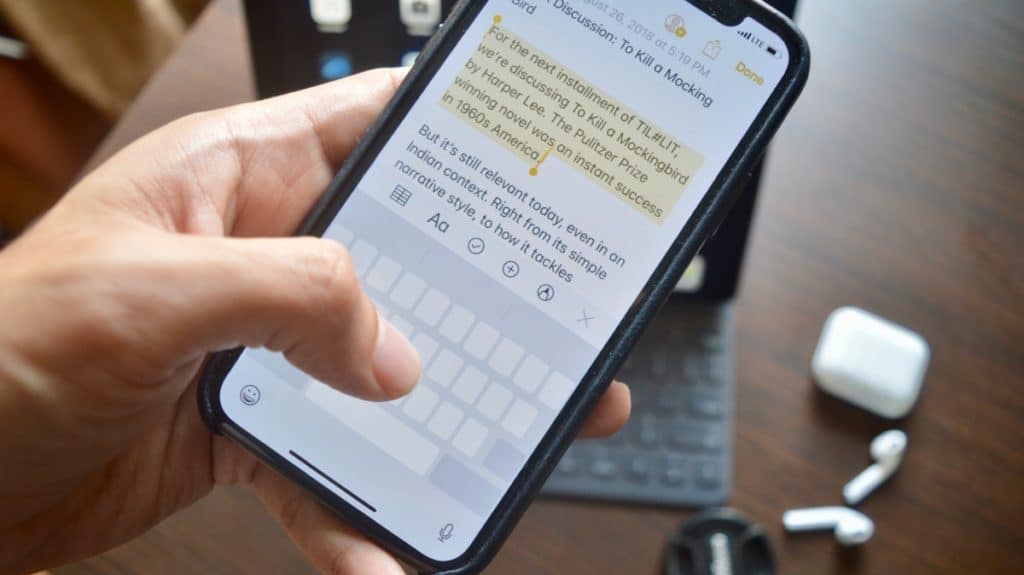
As we moved from classic push-button phones to smartphones with touchscreens, the way we type has completely changed. Although not everyone may be comfortable with typing on a touch screen, overall typing is modern smartphonech very comfortable, mainly because of the larger area. And if you know how to do it, correcting any typos is also so comfortable.
Mainly without errors...Typing on modern phones is comfortable in many ways. In addition to the fact that it is pleasant to write on a large display, smartphones can understandably perform automatic corrections. This means that it will automatically correct any mistakes you make as you go along.
But not everyone uses the functions of automatic corrections or word suggestions and writes old-fashioned, so to speak. And, of course, no one is infallible, so making a mistake or typo in a word is nothing exceptional. We bet you’ve been correcting your typos wrong until now.
Don’t waste time hitting on words...When you make a mistake while typing in the text, the vast majority of users correct it by clicking on the level of the error, moving the cursor to it, then deleting and correcting the error. And just hitting the incriminated letter with the cursor can be treacherous.
If you have slightly larger fingers, this is quite a difficult operation and you will probably miss several times before you hit the right position. Fortunately, there is a much more comfortable, faster and more accurate solution.
Bet on a space...If you hold down the spacebar on the virtual keyboard while typing, it turns into a kind of touchpad, with which you can move the cursor left and right. There really is nothing easier than holding down the space bar and then easily using the same finger to move the cursor to your desired location. It’s much more accurate than trying to hit with your finger, and significantly faster in the final.
by Ondřej Koníček


No comments:
Post a Comment